

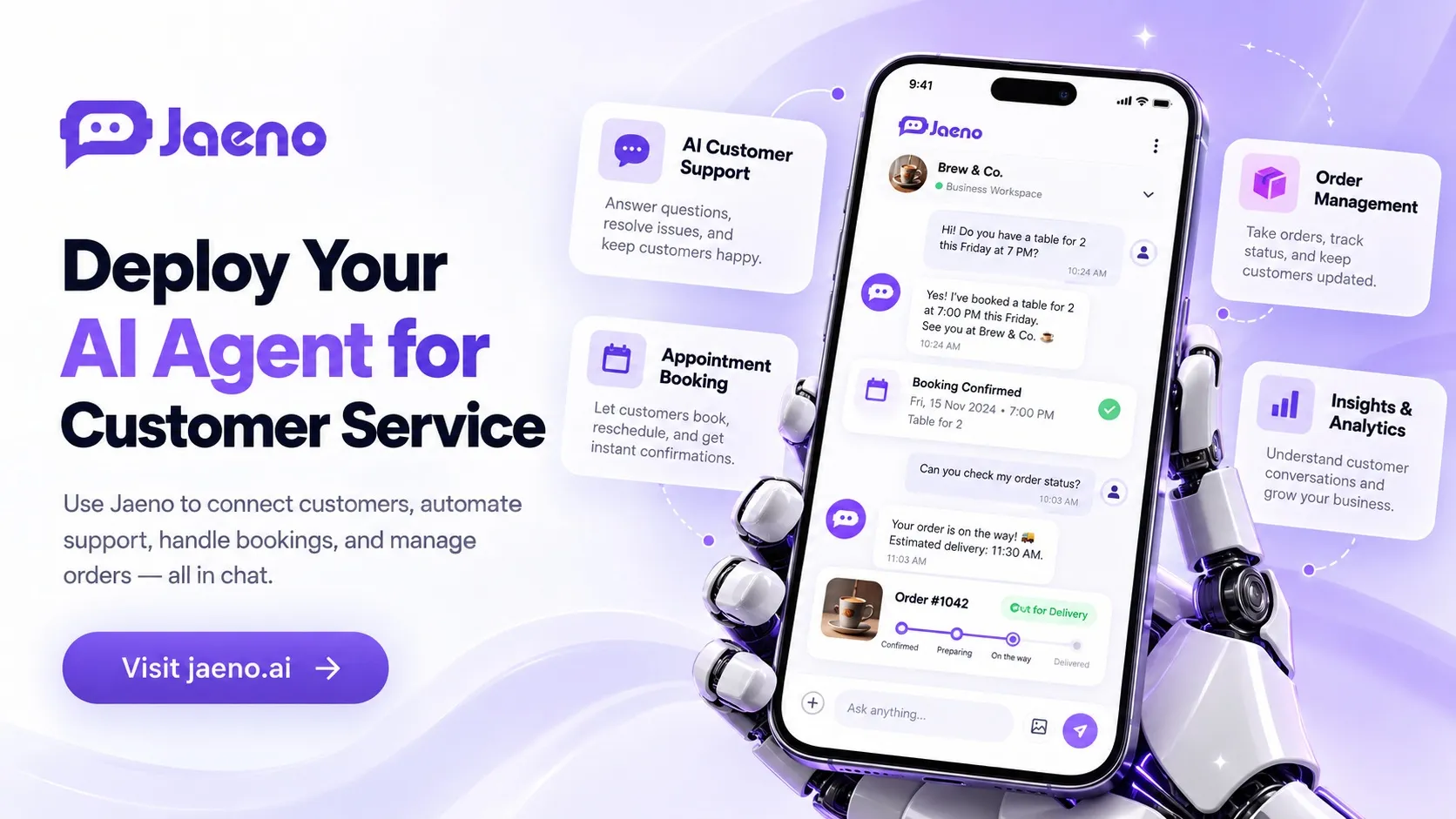
Deploy AI Agent for Customer Service: A Practical 2026 Guide
A customer needs an invoice answer at midnight. Another wants to reschedule. A distributor needs an order update. Manual replies create delays. Learning how to deploy AI agent for customer service can help, but simply connecting a language model to a chat window is not enough. Deployment needs clear tasks, dependable data, and human backup.
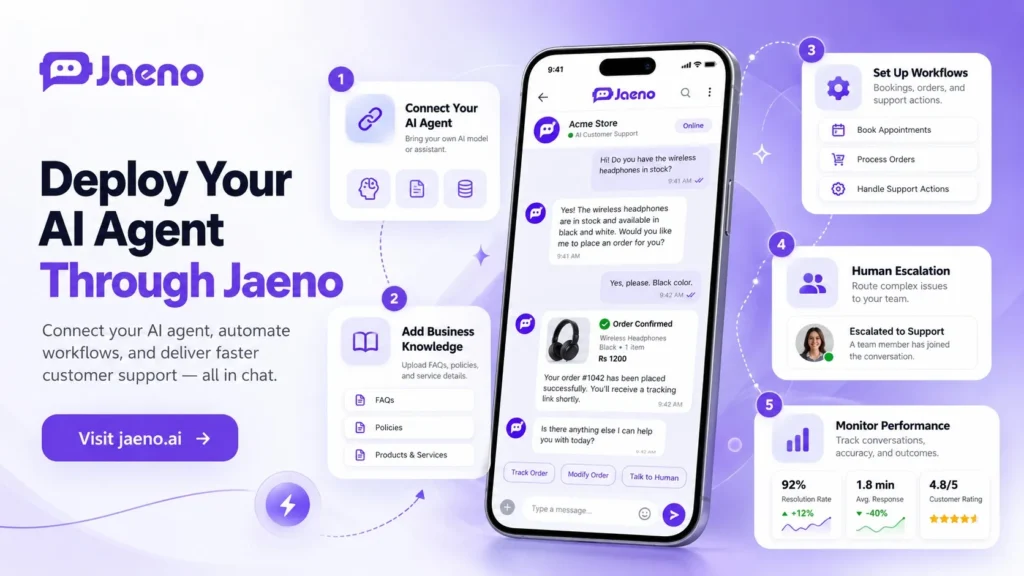
To deploy an AI agent for customer service, choose a low-risk customer request, connect the agent to verified information, define permitted actions, and provide human escalation. Test realistic conversations before launch. Then monitor answer accuracy, completed tasks, customer satisfaction, and security events. Expand only after the first workflow performs reliably.
Key Takeaways
- Start with one repeatable request, such as an appointment change or order question.
- Distinguish an AI agent that completes tasks from a chatbot that only answers.
- Restrict access to customer information and require approval for sensitive actions.
- Measure verified outcomes, not message counts or attractive demonstrations.
What Does It Mean to Deploy AI Agents for Customer Service?
To deploy AI agent for customer service means putting an AI system into a real customer journey with defined responsibilities. It receives questions, uses approved knowledge, and may call business tools to complete authorized tasks. Deployment includes ownership, testing, incident response, and ongoing improvement.
An FAQ chatbot retrieves or generates answers. An AI customer support agent can go further by checking availability or submitting an approved booking. However, a well-designed agent does not assume it has authority to change everything.
Imagine three approaches to a shipment enquiry:
- Basic chatbot: Shares general delivery policies.
- Connected agent: Looks up an authorized shipment status, if an approved integration exists.
- Human specialist: Investigates a disputed shipment or approves a compensation decision.
My rule for teams that deploy AI agent for customer service: favor appropriate autonomy over the longest feature list.
How to Deploy AI Agent for Customer Service Step by Step
A staged rollout helps teams deploy AI agent for customer service with explicit success and stop conditions.
1. Select a Workflow and Establish a Baseline
Review 100 recent support requests. Group them by intent: booking, product information, technical help, billing, or complaints. Identify requests with verifiable outcomes.
Choose one low-risk task first. For example, let an agent explain a clinic’s opening hours before allowing appointment changes. Define success as an accurate answer delivered without unnecessary follow-up, not simply a fast reply.
Assign an owner and a fallback team for unresolved requests.
2. Build a Trustworthy Knowledge Source
Feed the system approved FAQs, business hours, service policies, product documents, and clearly dated procedures. Remove outdated versions and assign an approval owner.
Retrieval-augmented generation (RAG) can help an agent consult current documents instead of relying only on model training. However, retrieval does not guarantee accuracy. The system should signal uncertainty, avoid unsupported claims, and route unresolved requests appropriately.
Test customer language. A Lahore customer might use Roman Urdu, while a SaaS user might use technical English.
3. Connect Tools Using Limited Permissions
For actionable requests, connect only the systems the workflow needs. A booking agent might require read access to available slots and narrow permission to create reservations. It should not automatically receive broad access to billing records or administrator settings.
Before you deploy AI agent for customer service with real actions, define:
- Identity checks: When must a customer prove they control an account?
- Action boundaries: Can the agent read, create, change, or cancel records?
- Confirmation: What information must the customer approve first?
- Failure handling: What happens when an API times out or data conflicts?
- Audit evidence: Which actions and approvals are logged securely?
According to the OWASP GenAI Security Project, prompt injection and excessive agency are important risks for language-model applications. Treat customer messages and retrieved documents as untrusted input. Use server-side authorization, validation, and least-privilege access rather than relying on instructions alone.
4. Test Privately, Launch Gradually, and Supervise
Build a test set covering routine questions, missing data, malicious instructions, frustrated customers, and requests outside the agent’s scope. Have staff review outcomes against the same answer guide.
Begin with staff testing, then a limited customer pilot.
Set clear stop conditions: incorrect confidential disclosures, unauthorized actions, repeated booking failures, or customers unable to reach a person. Pause the affected workflow and investigate.
Why Do Industries Need Different AI Agent Deployment Controls?
When companies deploy AI agent for customer service, their sector changes the risk calculation. A restaurant booking and an insurance claim may both begin with a chat, but they should not have identical approval rules.
- Financial services, wealth management, and insurance: Start with general product explanations, document checklists, and adviser appointments. Restrict account changes, claims decisions, and personalized recommendations. Apply relevant recordkeeping and identity controls.
- Enterprise SaaS and technology: Handle onboarding questions, documented troubleshooting, and demo scheduling. Escalate outages, security incidents, and account-specific access issues. Test integrations against staging environments before production.
- Healthcare, biotech, and pharmaceuticals: Focus initially on nonclinical administration and approved public information. Avoid unsupervised diagnosis, treatment advice, or unapproved drug claims. The US Department of Health and Human Services explains that vendors handling protected health information for covered entities may require business associate agreements and other HIPAA safeguards.
- Supply chain, logistics, and manufacturing: Offer approved shipping instructions and verified order-status information. Never fabricate arrival dates. Route production disruptions, contract changes, and safety issues to authorized operations staff.
To deploy AI agent for customer service across borders, check local rules before transferring customer data.
How Do You Measure Success After Deployment?
A company should deploy AI agent for customer service only with measurable outcomes and a review process. Start with a baseline and compare similar customer requests before and after launch. Message volume is not a success measure.
Track these five signals:
- Verified resolution rate: Requests genuinely completed without a second contact.
- Answer accuracy: Audited replies that match approved sources.
- Escalation quality: Complex cases successfully transferred with usable context.
- Action failure rate: Bookings, updates, or tool calls that failed or required correction.
- Total cost per resolution: Model, infrastructure, maintenance, staff review, and rework costs divided by completed cases.
For example, if 80 of 100 eligible pilot requests are correctly completed, verified resolution is 80%. That is an illustrative calculation, not an industry benchmark. Review the other 20 for mistakes.
The NIST AI Risk Management Framework organizes AI risk work into govern, map, measure, and manage. Use these functions to assign accountability, document risks, assess evidence, and improve your operating controls.
Where Jaeno fits into the customer journey:
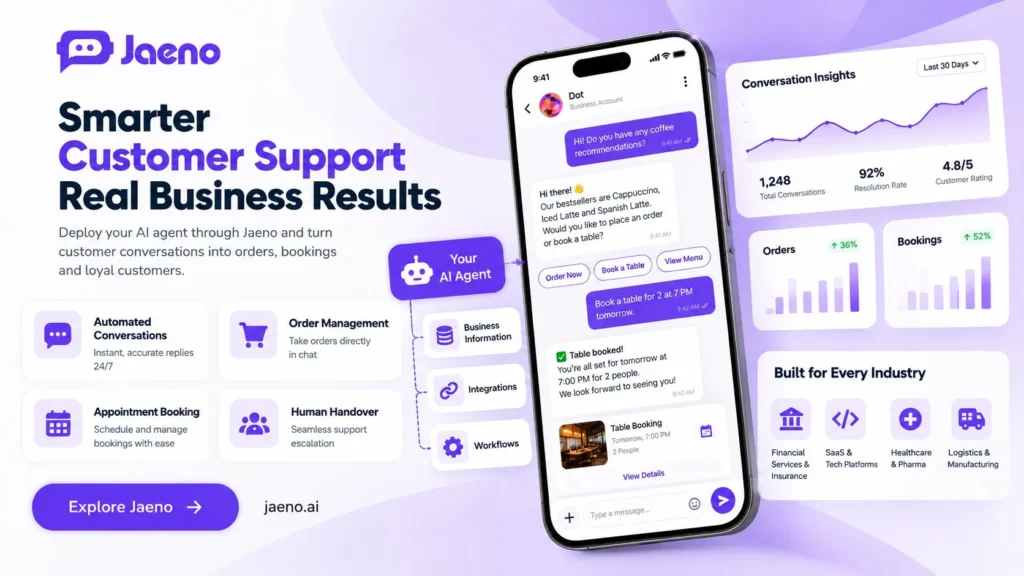
Jaeno is a mobile-first business chat platform that describes customer conversations, AI-assisted replies, in-chat ordering, appointment booking, loyalty, and review workflows. It also describes a bring-your-own-AI-agent approach.
Verify enterprise integrations, permissions, and data handling directly with Jaeno. Its website currently describes in-chat payments as coming soon, so do not plan around payments being live.
Conclusion: Start Small, Prove Value, Then Expand
The best plan to deploy AI agent for customer service starts with a real customer problem, not a fashionable technology claim. Choose one outcome, protect customer data, test difficult cases, and keep people available for complex decisions. To explore order and booking conversations, visit Jaeno and discuss which workflows can be supported for your business.
Frequently Asked Questions
How long does it take to deploy an AI customer service agent?
Time to deploy AI agent for customer service depends on integrations, data quality, and compliance reviews. An information-only pilot usually requires less preparation than a tool-connected agent that changes regulated records. Schedule scoping, testing, approvals, and monitoring rather than accepting a vendor’s universal launch promise.
Can an AI agent handle customer support without human staff?
An AI agent can resolve routine requests, but it must not block human assistance. Disputes, medical concerns, complaints, and unusual failures require appropriate staff. Define escalation triggers, pass context to employees, and track whether the handoff resolves the customer’s actual problem.
What is the difference between deploying an AI agent and adding a chatbot?
Adding a chatbot may only provide automated answers inside a website or app. Deploying an AI agent can include tool access, controlled business actions, identity checks, monitoring, and incident handling. The distinction is practical: an agent might create a verified booking, while a basic chatbot simply explains how to book.
What data should an AI service agent be allowed to access?
Use only data required for approved tasks. Public FAQs need little personal information; account enquiries may require verified identity. Apply access controls, data minimization, retention limits, and auditable tool calls. Check applicable legal requirements before processing regulated information.
How can a business calculate AI customer service ROI?
Compare the total deployment and operating costs with changes in completed resolutions, staff effort, customer satisfaction, and rework. Include integration, model usage, monitoring, and human escalation expenses. To deploy AI agent for customer service profitably, prioritize reliable outcomes over inflated conversation or automation counts.