

Which Chat Platforms for Business Suit Pakistani SMEs?
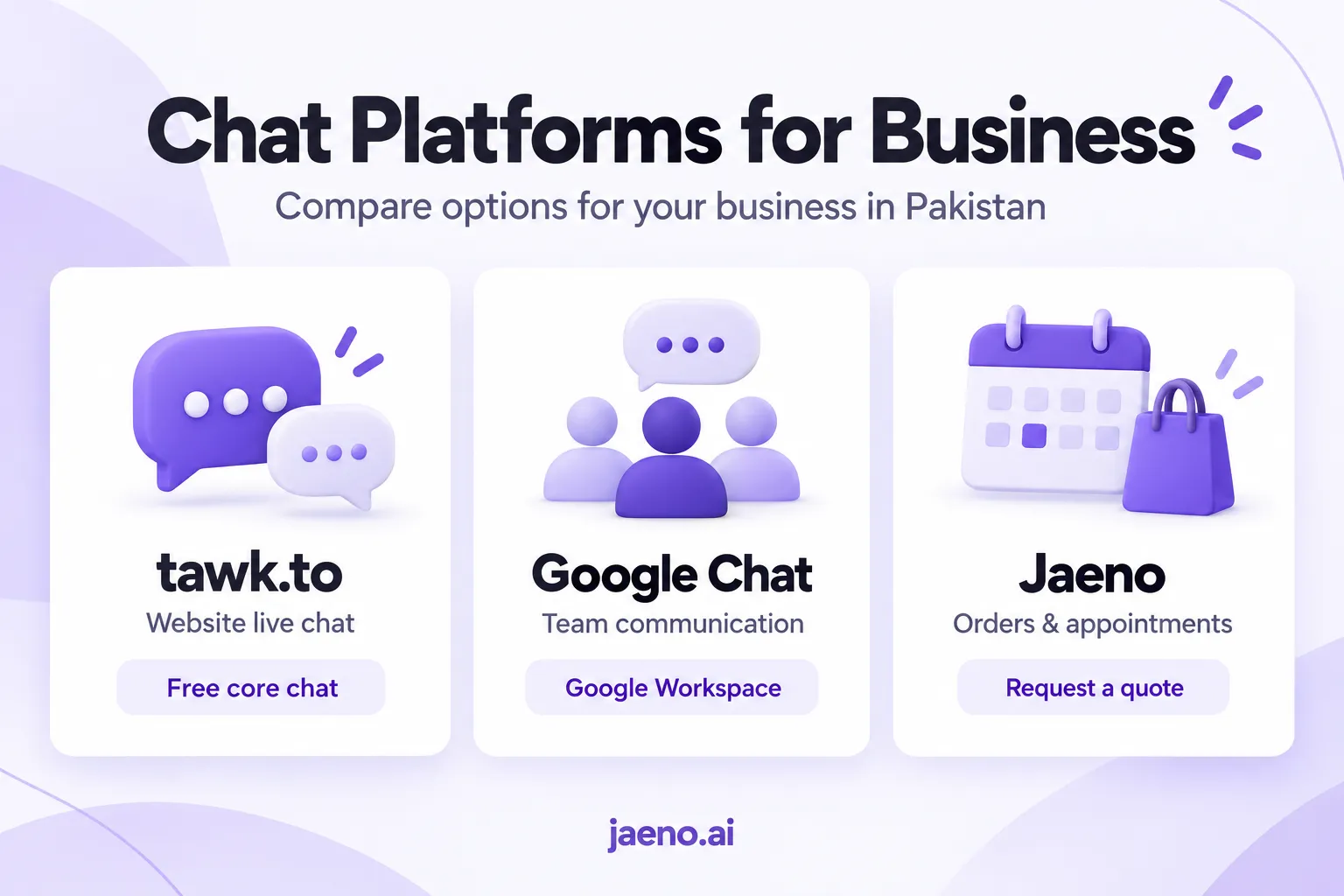
For Pakistani SMEs, tawk.to is a practical starting point for free website live chat, Google Chat suits staff communication, and Jaeno deserves a closer look when the goal is ordering or appointment booking through a conversation. The right chat platforms for business depend on what your customers and employees need to complete.
Clinic, cafe, restaurant, pharmacy and shop owners in Lahore, Karachi and Islamabad compare their options, understand costs and choose a platform that fits their daily operations.
Which Chat Platforms for Business Should You Consider?
Choose a platform according to its main purpose: answering customer enquiries, coordinating employees or handling orders and appointments. These tasks are related, but one type of chat software does not automatically cover all three.
Here is a practical comparison based on publicly available product information checked on 15 September 2026.
| Platform | Best suited to | Cost considerations | What to check |
| tawk.to | Staff answering website enquiries | Core live chat is free; optional services cost extra | Staff availability and automation requirements |
| Google Chat | Internal team communication | Included in Google Workspace; confirm your business plan | Whether you need customer-facing tools separately |
| Jaeno | Customer ordering and appointment workflows | Request a quote for your requirements | Available features, onboarding and integrations |
According to tawk.to’s official information, its core chat software is free, while additional automation, staffing and branding services may involve charges.
Google Chat focuses on messaging and collaboration for teams. It serves a different purpose from a customer-facing ordering platform.
Jaeno’s customer-service features include publicly described menu, cart and appointment-booking workflows. Its website lists secure in-chat payments as “coming soon,” so businesses should confirm availability before planning around that feature.
Expert insight: Ask each supplier to demonstrate one complete customer request. A long feature list matters less than whether the system records the correct order, appointment or enquiry.
Do You Need Live Chat, Team Messaging or Automated Service?
Choose live chat when customers need help on your website, team messaging when employees need to coordinate, and automation when recurring requests follow clear rules. Start with the problem that causes the most missed enquiries or unnecessary work.
Live Chat for Website Enquiries
Live chat platforms for business help visitors ask questions while browsing a website. A shop owner might use chat to explain product sizes, collection times or return conditions before a customer decides to buy.
tawk.to is worth considering when someone can manage the inbox during published opening hours. However, adding a chat widget offers limited value if nobody takes responsibility for incoming messages.
If your website receives few enquiries, improving your contact information or enquiry form may be a more useful first step.
Google Chat for Business Teams
Google Chat for business is primarily a staff communication option. A clinic could use it for administrative coordination, while a retailer might use it to connect purchasing staff and branch managers.
Internal messaging can support customer service behind the scenes. However, it does not automatically provide a public booking system or checkout.
Before choosing online chat platforms, decide whether the person sending the message will be a customer, an employee or both.
Automated Customer Conversations
Automated service makes sense when customers repeatedly ask about opening hours, menus, collection options or available appointments.
Jaeno for businesses presents its platform around conversations that lead to orders and bookings. During a demonstration, ask how the system receives current prices, checks availability and records confirmations.
Expert insight: Keep staff discussions separate from customer-facing promises. An employee should be able to resolve uncertainty before the system confirms a price, appointment or collection time.
What Features Matter for Your Type of Business?
Your chat platform should follow the rules your business already uses. Restaurants need accurate orders, clinics need reliable appointment handling, and shops need clear information about products and availability.
Test the same requests with every supplier so you can compare results fairly.
Cafes and Restaurants
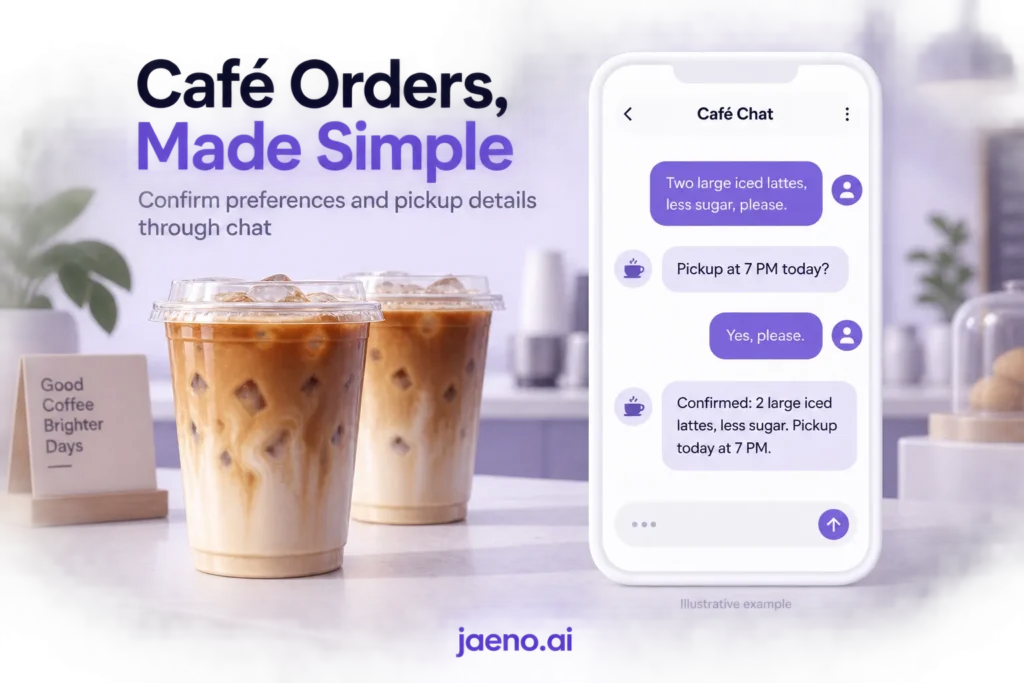
Consider this illustrative example: a customer messages a Lahore café, “Do large iced lattes, less sugar, pickup 7 baje.”
A useful workflow should confirm the quantity, preserve the sugar preference, clarify the pickup time and show the total. It should also ensure the order reaches the staff preparing it.
Ask the supplier to demonstrate what happens when an item sells out during the conversation. The system should follow an agreed process instead of promising something the café cannot provide.
Clinics and Pharmacies
Start with administrative enquiries such as opening hours, location and appointment requests. Clinical questions should go to qualified staff rather than being treated as ordinary automated enquiries.
For a clinic, check what happens when reception books an appointment through another channel. The chat system should not confirm a slot based on outdated availability.
For a pharmacy, demonstrate how staff confirm stock before promising collection. Do not assume general chat software is appropriate for storing confidential patient information.
Shops and Multiple Branches
Shop owners should check product variants, collection locations, delivery boundaries and who updates availability.
For example, a business with branches in Karachi and Islamabad needs to identify the correct location before confirming stock. A product available at one branch may be unavailable at another.
Useful chat shop ideas include collection enquiries, order-status requests, product questions and routing returns to the appropriate employee.
Expert insight: Test difficult requests first. Unavailable stock, changed appointments and addresses outside your delivery area reveal more than a straightforward greeting.
How Much Do Free and Paid Chat Platforms Cost?
Free chat platforms for business can remove the basic software fee, but staff time, setup and maintenance still matter. Compare the monthly cost of running the service, not just the advertised subscription.
As of 15 September 2026, tawk.to’s official page lists optional branding removal at US$29 per month and paid AI Assist starting at US$29 per month, alongside a limited-volume free AI option. These are optional services rather than the cost of its core live chat.
For Google Chat, confirm the Google Workspace plan your business requires. For Jaeno, request a written quote covering your intended workflow.
Ask suppliers to explain:
- Subscription, staff-seat and branch charges.
- Setup and integration fees.
- AI usage allowances and additional usage charges.
- Maintenance and support arrangements.
- Billing currency and applicable taxes.
- Cancellation terms and data-export options.
A useful budgeting formula is:
Monthly operating cost = subscription + usage charges + staff time + maintenance.
For foreign-currency subscriptions, calculate the amount your payment provider would actually charge in Pakistani rupees.
Expert insight: Compare the cost of completing an enquiry or confirming a booking. A cheaper subscription may require more staff effort if employees repeatedly correct its output.
How Can You Test a Platform Before Committing?
Run a small pilot around one task and check whether customers complete it correctly. Use the same requests and success criteria for each platform.
1. Choose One Workflow
Start with appointment requests, collection enquiries or menu questions. Expanding too quickly makes it harder to identify where problems occur.
2. Prepare Accurate Business Information
Provide approved opening hours, prices, branch details, cancellation rules and escalation contacts. Assign someone to keep this information current.
3. Test Local Languages
Try English, Urdu and Roman Urdu, including spelling mistakes and mixed-language messages. Confirm that the system understands the request rather than simply producing a fluent reply.
4. Check Errors and Exceptions
Test unavailable products, ambiguous dates, duplicate requests and interrupted connections. Confirm whether an unfinished conversation can accidentally create multiple orders.
5. Review Staff Handover
An employee should be able to understand the conversation and take responsibility when help is needed. Check what the customer sees while waiting.
6. Measure Outcomes
Record completed requests, corrections, abandoned conversations and staff time. These measures provide a stronger basis for a decision than the number of messages exchanged.
For operations in Lahore, Karachi and Islamabad, use Pakistan Standard Time consistently. Test on the phones and connections your staff actually use.
A seven-day pilot can provide a starting point, but extend it if enquiry volume is too low to judge.
Expert insight: Agree on a stop condition before launch. If the platform confirms unavailable appointments or incorrect totals, pause that workflow until the underlying problem is fixed.
Conclusion
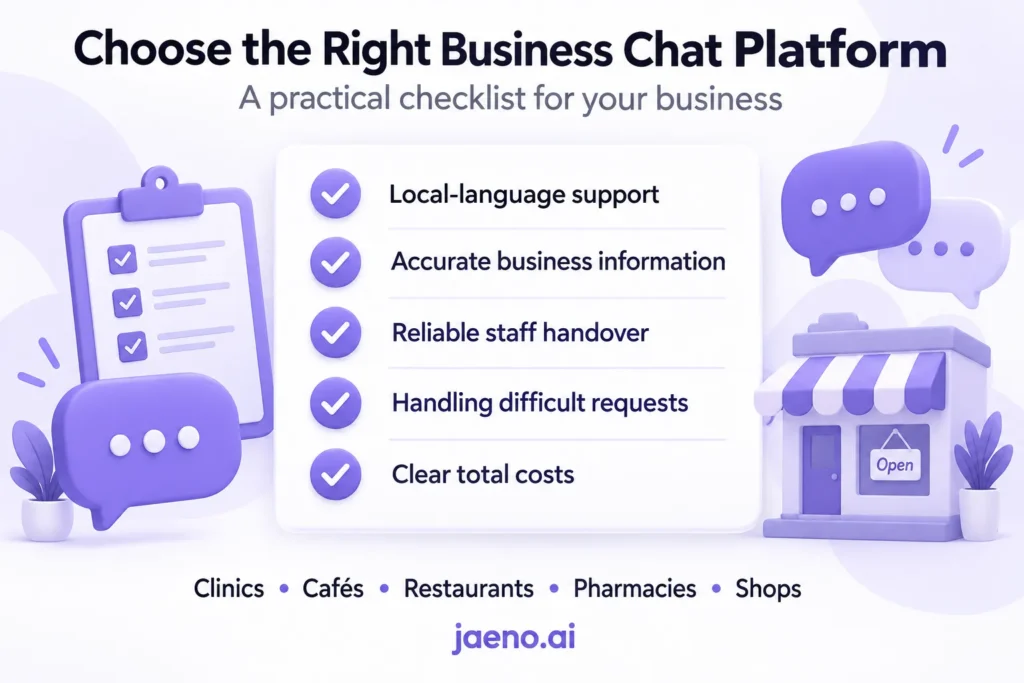
The best chat platforms for business fit the way your customers ask questions, place orders and book appointments, while keeping daily work manageable for your team. For clinics, cafés, restaurants, pharmacies and shops in Pakistan, the priorities are clear: accurate information, local-language support, reliable staff handover and a total cost that makes sense for the business. Contact Jaeno to discuss your customer-service needs and request a demonstration using one real business task, so you can evaluate the workflow before committing.
Frequently Asked Questions
Can I Use Business Chat Without a Website?
Yes, some services provide a hosted page where customers can start a conversation. For example, tawk.to describes Chat Pages for businesses without a website. Check how customers reach that page, whether they need an account and who owns the link. Share the entry point through your existing customer channels.
Will Switching Platforms Preserve Old Conversations?
Do not assume that your conversation history will transfer automatically. Ask whether your current provider exports contacts, transcripts, attachments and timestamps, and whether the replacement can import them. Test a small export before cancelling. Keeping a readable archive is different from importing searchable conversations into a new inbox.
Can Customers Send Voice Notes in Urdu?
Check voice-note support and Urdu transcription separately. A platform may accept an audio file without understanding it or converting it into an accurate request. Test a recording with background noise, a local place name and a correction. Confirm that staff can access the original recording if clarification is needed.
Which Are the Most Popular Chat Platforms in Pakistan?
This comparison does not establish a Pakistan-specific popularity ranking. A reliable ranking requires dated research that distinguishes consumer messaging from business software adoption. For your purchasing decision, focus on the channels your customers already use, how easily they can reach you and whether the platform completes their requests correctly.
About Jaeno
Jaeno connects customers and businesses through chat, with a focus on customer service, ordering and appointment booking. Learn more at Jaeno.