

Customer Service Automation: A Complete Guide for Modern Enterprises
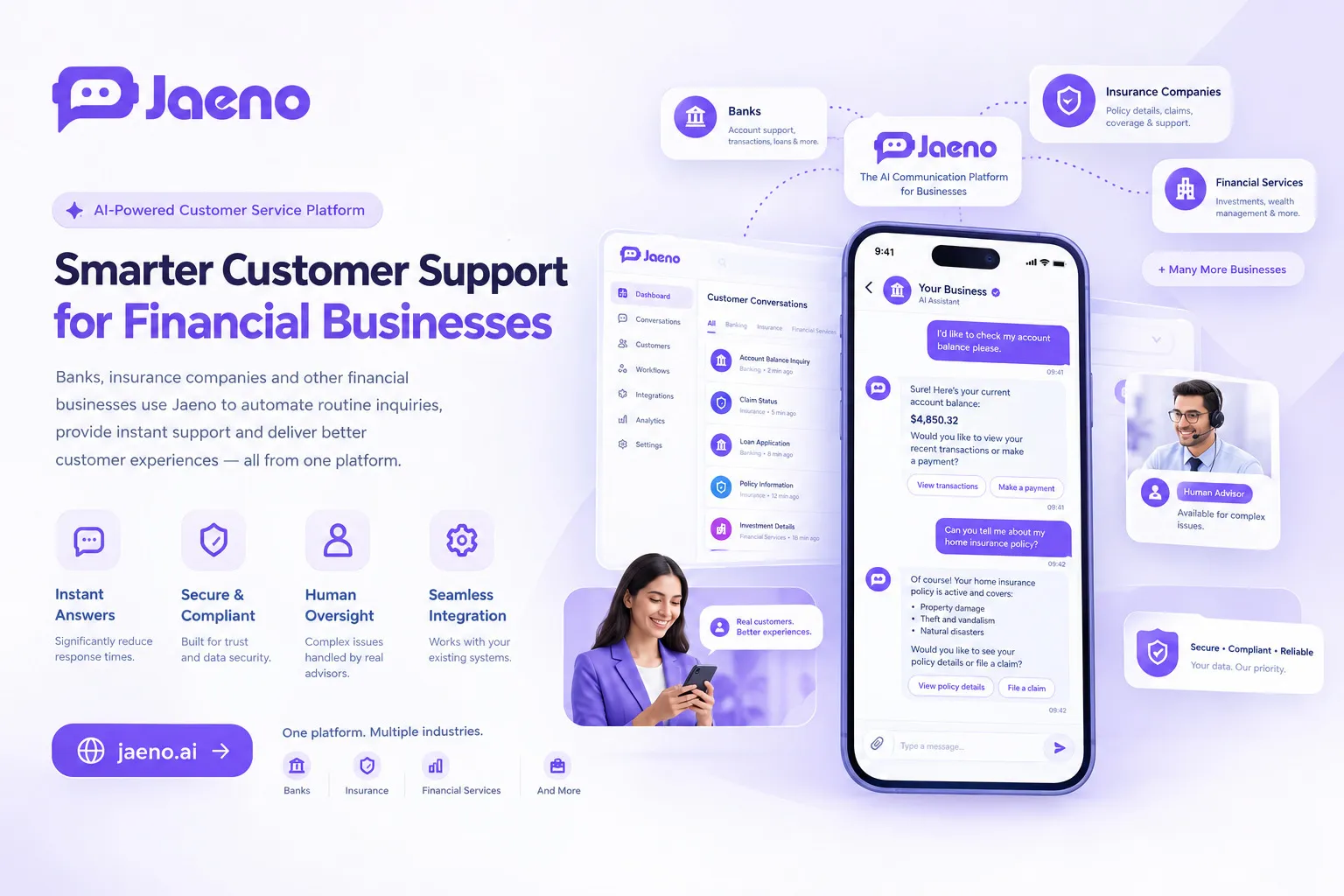
Customer service automation is changing how businesses support customers, manage requests, and deliver consistent experiences. From financial services and healthcare to SaaS platforms and global manufacturing, organizations are using AI-powered customer support to respond faster, reduce repetitive work, and improve operational efficiency.
However, successful automation involves more than installing a chatbot. Businesses need accurate information, secure integrations, clear escalation paths, and a practical strategy that balances automation with human expertise.
What Is Customer Service Automation?
Customer service automation is the use of software, workflows, chatbots, and artificial intelligence (AI) to handle customer inquiries and support tasks with less manual intervention. It helps organizations answer common questions, collect information, track requests, and guide customers through routine processes.
Unlike traditional support systems that depend entirely on human agents, automated customer support can operate across digital channels and remain available outside normal business hours. More advanced AI agents can understand natural-language questions, retrieve approved business information, and help customers complete specific tasks.
For example, a financial services company can automate general account-service inquiries, while a healthcare provider can help patients understand appointment availability. Similarly, a manufacturing business can answer questions about order status and delivery schedules.
The objective is not to remove human support. Instead, customer service automation allows technology to manage suitable routine tasks while employees focus on complex, sensitive, or high-value interactions.
Key Takeaways
- Faster responses: Automation handles common questions without requiring an available employee for every interaction.
- Lower repetitive workload: Support teams spend less time answering the same questions.
- Industry-specific workflows: Financial services, healthcare, SaaS, and logistics businesses can automate different processes.
- Better scalability: Automated systems can handle additional requests, subject to system capacity and integration limits.
- Human oversight remains essential: Sensitive decisions, complaints, and complex cases need appropriate escalation.
Direct answer: Customer service automation uses AI, chatbots, and workflow software to resolve routine customer inquiries, route requests, and support business processes with less manual effort. Businesses can use it to improve response times, extend service availability, and manage growing support volumes. The best results come from combining reliable automation with secure systems, measurable performance targets, and easy access to human assistance.
How Does Customer Service Automation Work Across Industries?
Customer service automation works by connecting customer conversations to reliable information, business rules, and operational systems. The exact workflow depends on the customer’s request, the data involved, and the level of risk.
A typical automated interaction follows five steps:
- Receive the inquiry: A customer asks a question through a website, chat interface, or supported messaging channel.
- Understand the request: The system identifies the customer’s intent and gathers relevant details.
- Retrieve information: It checks approved knowledge sources, business policies, or connected systems.
- Complete an appropriate action: It answers a question, collects information, creates a ticket, or initiates an authorized workflow.
- Escalate when necessary: A human employee takes over when the request exceeds the system’s permissions or capabilities.
This process becomes more useful when automation connects to existing business tools rather than operating as an isolated chatbot.
Financial Services, Wealth Management, and Insurance
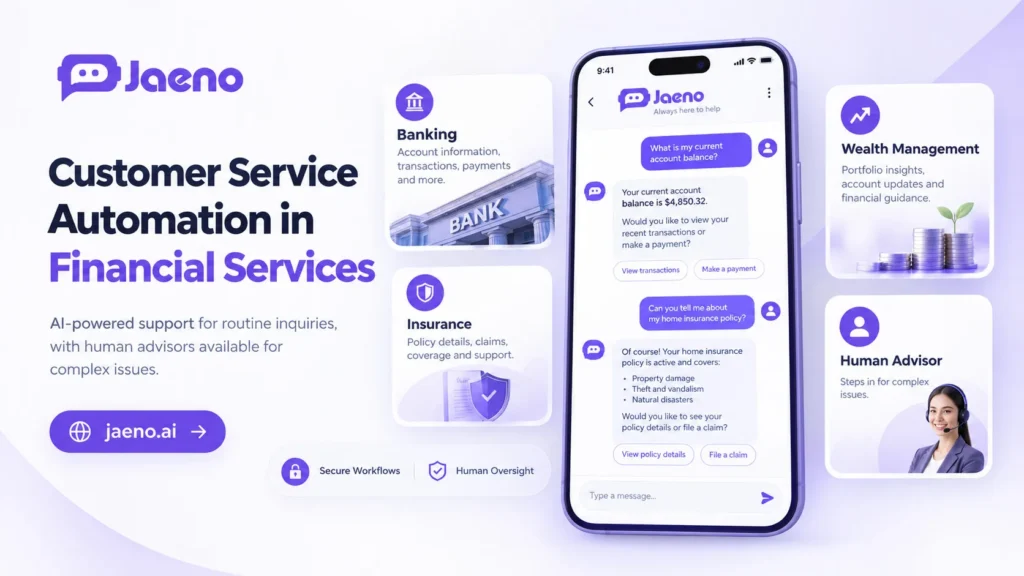
Financial institutions can automate general product inquiries, explain approved policy information, guide customers through claims processes, and direct people to the correct support team.
For example, an insurance customer might ask which documents are required to submit a claim. An automated assistant can provide the approved checklist and explain the next steps.
However, financial automation requires strict controls. Systems should protect sensitive information, follow applicable regulations, and avoid making unauthorized financial recommendations or decisions.
The Consumer Financial Protection Bureau (CFPB) reported in June 2023 that approximately 37% of the US population had interacted with a bank chatbot in 2022. Its report also highlighted problems caused by ineffective bots, including inaccurate responses and difficulty reaching human support.
Enterprise SaaS and Technology Platforms
Software companies can automate onboarding questions, explain product features, troubleshoot common errors, and guide users through setup.
For instance, a SaaS customer struggling to configure an integration could receive step-by-step instructions from an AI assistant. If the issue requires account access or engineering investigation, the assistant can collect diagnostic details and route the case to technical support.
This approach helps support teams manage repetitive questions while preserving specialist time for difficult incidents.
Healthcare, Biotechnology, and Pharmaceuticals
Healthcare organizations can automate appointment scheduling, clinic information, approved service explanations, and administrative reminders.
Biotechnology and pharmaceutical companies can also use controlled support workflows to answer approved product-information questions and route technical inquiries.
Nevertheless, healthcare automation must respect privacy requirements and distinguish administrative guidance from medical advice. Clinical decisions, emergencies, and uncertain medical questions require appropriate professional involvement.
Supply Chain, Logistics, and Manufacturing
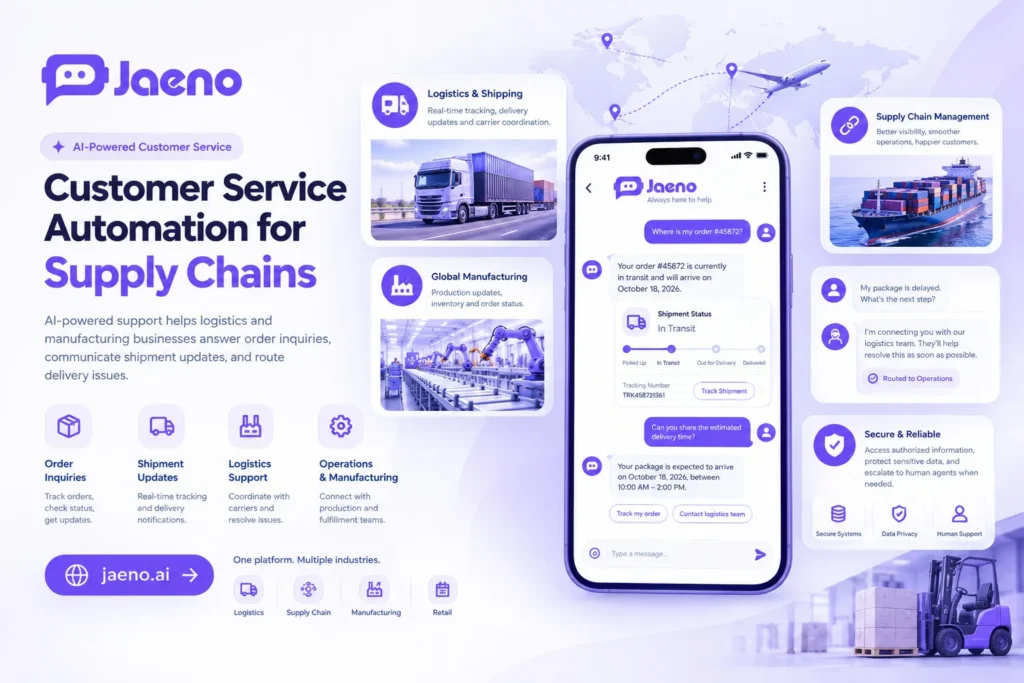
Logistics teams can automate delivery-status inquiries, order updates, returns guidance, and routine questions about shipment documentation.
A manufacturer, for example, could connect an AI assistant to an order management system. Customers could ask about a shipment and receive an update based on the latest authorized records.
If a supplier delay threatens production, the system might flag the disruption and notify an operations employee. It should not independently change critical production schedules unless the organization has explicitly authorized that action.
What Are the Main Benefits of Customer Service Automation?
Customer service automation can improve operational efficiency, service availability, and consistency when businesses select suitable tasks and measure actual results.
Its value extends beyond reducing support costs. It can also make customer journeys simpler and give employees better access to organized information.
The main benefits include:
- 24/7 availability: Customers can access supported information outside office hours.
- Reduced repetitive work: Automated responses handle frequently asked questions and routine administrative tasks.
- More consistent answers: Approved knowledge sources help standardize responses across channels.
- Improved scalability: Businesses can serve more customers without increasing manual workload at the same rate.
- Better request routing: Automated systems can classify inquiries and send them to the appropriate team.
- Actionable insights: Interaction data can reveal recurring problems, missing documentation, and customer pain points.
However, these benefits are not guaranteed. Poorly configured systems can create additional work, frustrate customers, and spread incorrect information.
Businesses should measure resolution rates, customer satisfaction, escalation frequency, response accuracy, and cost per resolved request. Faster replies alone do not prove better service.
How Should Businesses Choose the Right Automation Strategy?
The right approach depends on the complexity of customer requests, the consequences of mistakes, existing software, and the level of control required.
Three common approaches serve different purposes:
| Approach | Best suited for | Main limitation |
| Rule-based chatbot | Fixed questions and predefined workflows | Struggles with unexpected requests |
| AI-powered support assistant | Natural-language questions and knowledge retrieval | Can produce incorrect answers without controls |
| Integrated AI agent | Approved actions across connected business systems | Requires stronger permissions, testing, and monitoring |
A rule-based chatbot follows predefined decision paths. An AI assistant interprets questions more flexibly. An integrated AI agent can also perform authorized actions, such as creating a support ticket or checking an order.
These approaches can work together. For example, a business might use fixed rules for identity verification, AI for answering product questions, and human approval for sensitive transactions.
A Practical Implementation Checklist
Before launching customer service automation, businesses should:
- Audit support requests. Identify frequent, repetitive, low-risk questions.
- Prepare reliable knowledge. Review FAQs, product details, internal procedures, and service policies.
- Select suitable workflows. Start with tasks that have clear inputs, outputs, and success criteria.
- Connect approved systems. Integrate relevant CRM, ticketing, scheduling, or order management tools.
- Define permissions. Specify which information the system can access and which actions it can perform.
- Test difficult scenarios. Check ambiguous requests, outdated information, unexpected inputs, and failed integrations.
- Provide human escalation. Make it easy for customers to reach a person when automation cannot resolve their issue.
- Monitor and improve. Review performance data and customer feedback regularly.
The National Institute of Standards and Technology (NIST) provides an AI Risk Management Framework and a Generative AI Profile to help organizations identify, assess, and manage AI-related risks. These resources are useful starting points for developing responsible automation practices.
What Are the Risks of Customer Service Automation, and How Can You Reduce Them?
Customer service automation introduces risks when systems lack reliable information, appropriate permissions, or effective human oversight. Businesses should address these issues before expanding automation into sensitive workflows.
The most common risks are:
- Incorrect answers: AI may provide outdated or unsupported information. Restrict responses to approved sources where appropriate and test accuracy regularly.
- Privacy and security exposure: Poor access controls can expose customer information. Apply least-privilege permissions, data minimization, and suitable security controls.
- Customer frustration: Repetitive responses and blocked escalation paths can damage trust. Offer clear routes to human assistance.
- Integration failures: Outdated CRM records or unavailable APIs can produce incorrect updates. Validate transactions and monitor system connections.
- Regulatory noncompliance: Automated workflows may mishandle regulated information or required disclosures. Involve compliance specialists when designing high-risk processes.
For regulated industries, governance must be part of implementation rather than an afterthought. The CFPB has specifically warned that poorly deployed financial chatbots can prevent consumers from resolving problems and may raise legal, privacy, and security concerns.
A practical safeguard is to classify requests by risk. Automate routine informational tasks first, require additional verification for sensitive account-related actions, and reserve consequential decisions for authorized professionals where appropriate.
Conclusion: Build Better Customer Experiences With Customer Service Automation
Customer service automation helps organizations deliver faster, more consistent support while reducing repetitive work. Its greatest value comes from connecting accurate information, useful workflows, and appropriate human oversight.
For financial services, SaaS, healthcare, and manufacturing businesses, the best starting point is a specific customer problemnot automation for its own sake. Begin with a manageable workflow, measure its results, and expand only when quality and trust remain strong.
Ready to simplify customer interactions? Explore Jaeno AI to learn how AI-powered business conversations can help organizations manage customer inquiries and support workflows. Start with a clear use case, then build an automation strategy around your customers’ needs.
Related Reading / You May Also Like:
- AI Agents vs. Chatbots: What’s the Difference?
- How to Automate Customer Support Without Losing the Human Touch
- AI Automation for Financial Services, Healthcare, and Logistics
Frequently Asked Questions About Customer Service Automation
1. What is an example of customer service automation?
A common example is an AI assistant that answers delivery questions using live order records. It can explain the shipment status, share an estimated delivery date when available, and route delayed orders to support staff. Other examples include appointment scheduling, software troubleshooting, and insurance claim guidance.
2. How does customer service automation reduce costs?
Customer service automation can reduce costs by handling repetitive inquiries, lowering manual processing time, and routing requests more efficiently. However, actual savings depend on implementation, licensing, integration, maintenance, and escalation costs. Businesses should compare the total cost per successfully resolved request rather than counting automated conversations alone.
3. Is AI customer support suitable for regulated industries?
Yes. Financial services, healthcare, and insurance organizations can automate carefully selected administrative and informational tasks. They should apply appropriate privacy safeguards, access controls, compliance reviews, and audit trails. Sensitive decisions and complex cases require suitable human oversight, and automation must not bypass applicable legal or professional obligations.
4. What is the difference between a chatbot and an AI agent?
A traditional chatbot typically follows predefined rules or conversation paths. An AI agent can interpret more varied requests and, when properly configured, use connected tools to complete authorized tasks. Neither is automatically reliable: both require testing, accurate information, clear permissions, and escalation procedures.
5. How can a business get started with customer service automation?
Start by identifying recurring questions that have clear, low-risk answers. Prepare approved knowledge sources, choose a suitable platform, and test a small workflow before expanding. Track resolution accuracy, customer satisfaction, escalation rates, and total operating costs. Improve the workflow using real feedback before automating more complex tasks.